Request your personal demo.
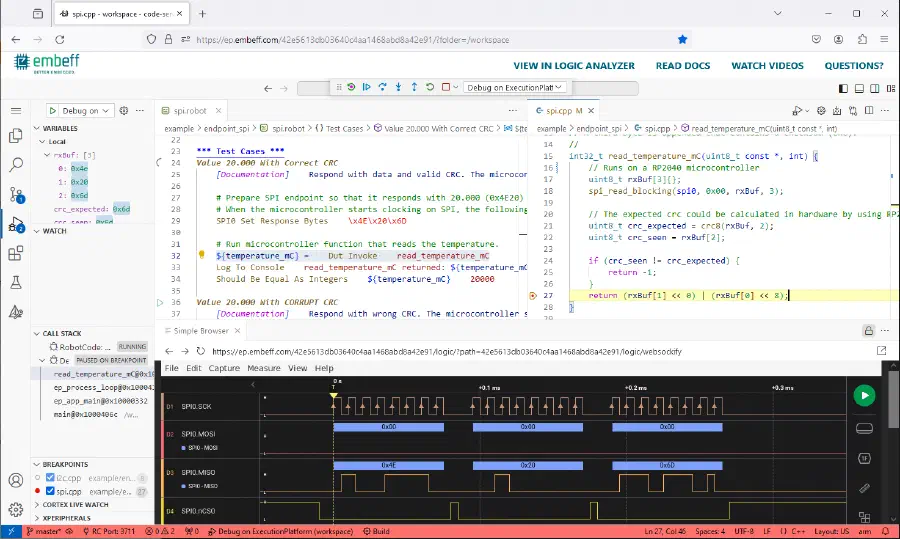
Your demo is an online version of Visual Studio Code, connected to a real ExecutionPlatform with a RP2040 (ARM Cortex-M0+) microcontroller. The examples cover hardware/software integration tests, system tests and unit tests: change the code, run the tests, debug and observe pin behavior.
How it works
- Tell us who you are and what you want to evaluate.
- We set up your personal instance by hand and email you the link, usually within one working day.
- Open the link and start testing. Our article on how to use the online demo walks you through the examples.
Thank you, . We have your request and will get back to you at within one working day to set up your personal demo.